Radio code for Chrysler Uconnect 8.4
Instant Radio Code Generation ⚡
Also compatible with: Dodge, Jeep, and RAM.
We're available round the clock.
Simply send us a video that shows both the code entry and serial number together.
View our complete Refund Policy.
1. Check out our service explanation video.
2. Browse through our customer reviews.
3. Explore our blog for verification, proof, and detailed information.
How to get your Chrysler Uconnect 8.4 radio code?
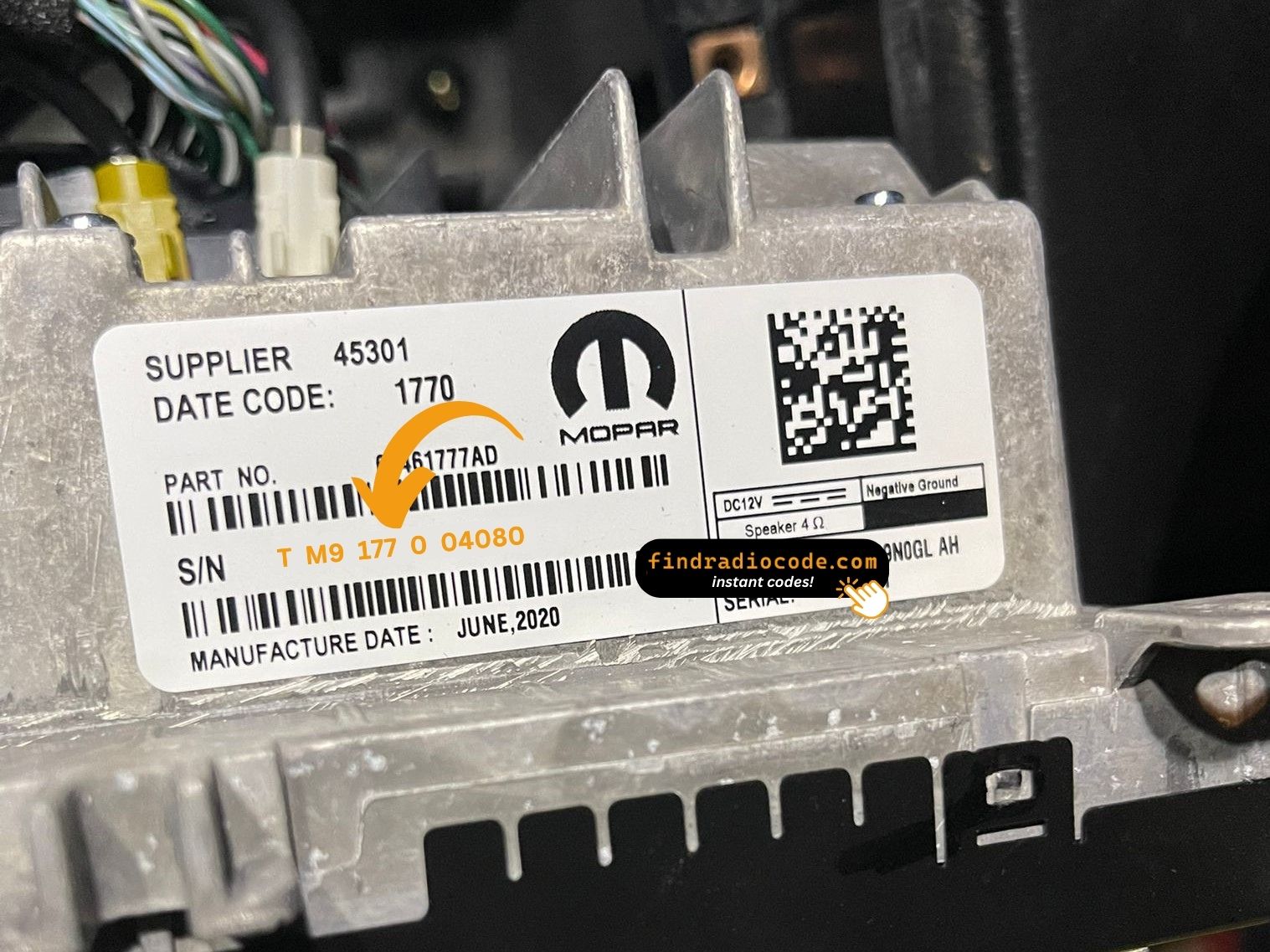
1. Find the serial number on the label at the back of your radio. No VIN required.
2. Enter your serial number in the field provided.
3. Proceed to checkout to instantly receive your unlock code on screen and via email.
Supported partnumbers for model Chrysler Uconnect 8.4
:
68274235AA
68274764AA
68297276AA
68297907AA
68297907AB
68297907AC
68297907AD
68297907AE
68297907AF
68306402AA
68308781ZA
68429174AB
68429174AC
68429174AD
68461698AA
68497060AA
68615139AB
68615159AB
Is this your radio?
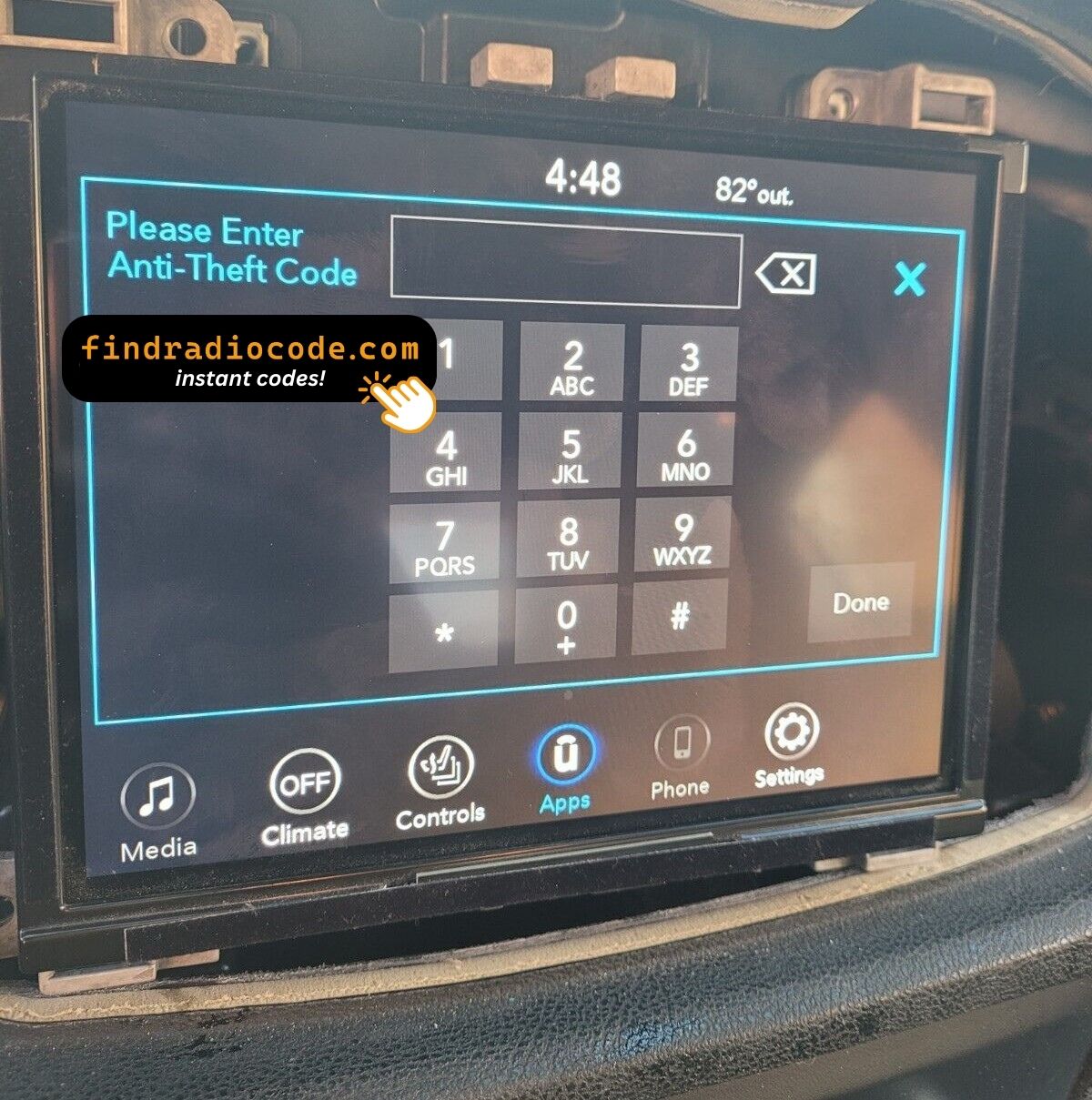
Uconnect 8.4 is the generic Panasonic-built 8.4-inch touchscreen head unit fitted across the FCA range from 2013 onward. Recognisable by the large 8.4-inch screen that dominates the centre stack, with climate controls integrated into the lower portion of the display on most vehicles.
Vehicles with Chrysler Uconnect 8.4
- 2013-2018: Chrysler 200, 300, Pacifica
- 2013-2018: Dodge Charger, Challenger, Durango, Grand Caravan, Journey
- 2013-2018: Jeep Cherokee KL, Grand Cherokee WK2, Wrangler JK
- 2013-2018: Ram 1500/2500/3500/4500/5500, ProMaster
This is the generic 8.4 listing - if you can identify a more specific suffix (RB4, RB5, RB6, RE2, RE3, RE6, UAQ, UAV, UCQ, UCV, UDQ, UDV, UGQ, UGV, UJQ, UJV, etc.) on your dealer sheet or part-number sticker, use that page for a more accurate match.
Where to find your serial number
Top of the chassis on a white printed label. The dash trim bezel pops off with clips; three 7mm bolts hold the radio in place. There is no on-screen menu that exposes the serial while the unit is in lock mode.
Format on the label: TM9##### / T0MYD##### / A3C####### / A2C####### depending on Panasonic factory and year. Examples: T0MYD45102, A3C0214806.
How to enter the code once you receive it
On the locked 8.4 screen a four-digit keypad overlays the centre of the display. Tap the digits in sequence; the radio auto-verifies on the fourth digit and unlocks immediately on a match. There is no separate Enter or OK button.
Why your radio is locked
Loss of 12V supply for more than about a minute - dead battery, battery replacement, alternator service, jump-start failure, or removal of the radio from the dash during repair.
If you entered the wrong code
Three wrong codes triggers "INCORRECT CODE - WAIT" with a 30-minute countdown. The ignition must stay in RUN or ACC for the timer to run down; cutting power restarts it. The radio never permanently locks - the correct code always works after the timer expires.