Radio code for Chrysler Uconnect 5 UAA VP2_5 JT NA SXM
Instant Radio Code Generation ⚡
Also compatible with: Dodge, Jeep, and RAM.
We're available round the clock.
Simply send us a video that shows both the code entry and serial number together.
View our complete Refund Policy.
1. Check out our service explanation video.
2. Browse through our customer reviews.
3. Explore our blog for verification, proof, and detailed information.
How to get your Chrysler Uconnect 5 UAA VP2_5 JT NA SXM radio code?
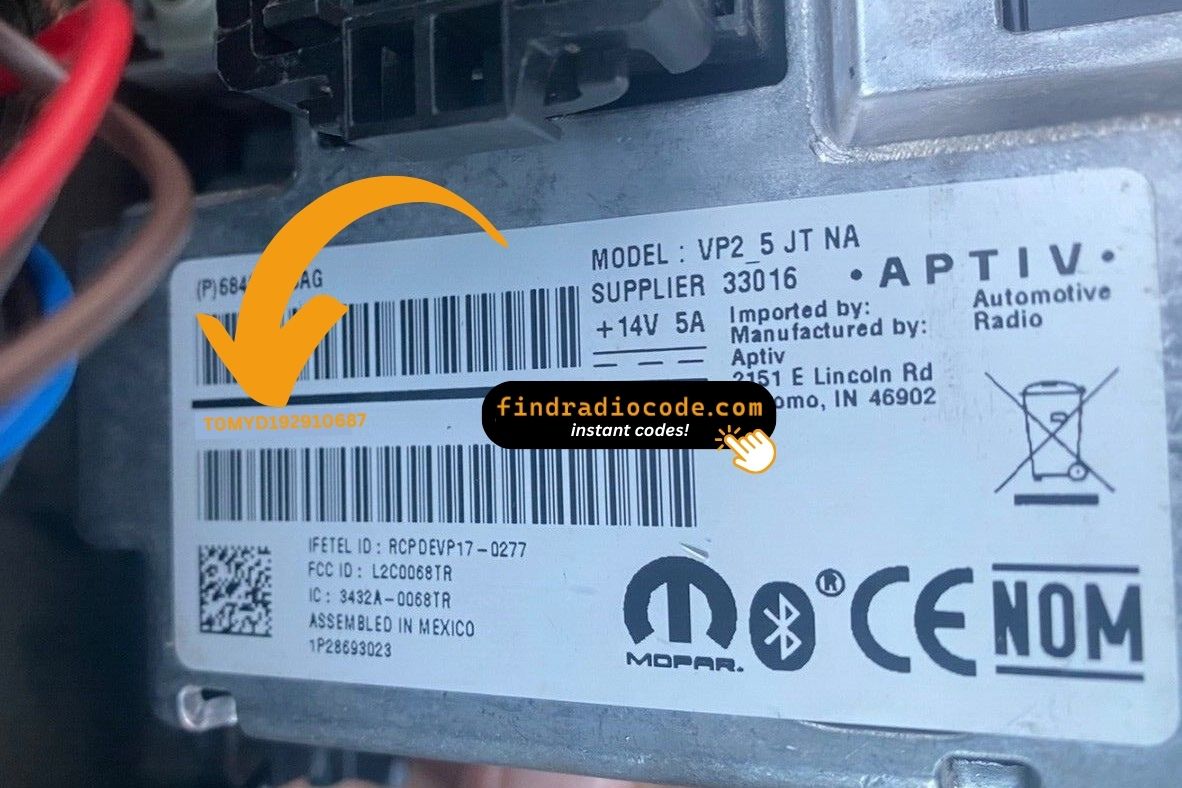
1. Find the serial number on the label at the back of your radio. No VIN required.
2. Enter your serial number in the field provided.
3. Proceed to checkout to instantly receive your unlock code on screen and via email.
Supported partnumbers for model Chrysler Uconnect 5 UAA VP2_5 JT NA SXM
:
68406025AB
68406025AC
68406025AD
68406025AE
68406025AF
68406025AG
68406025AH
68406027AB
68406027AC
68406027AD
68406027AE
68406027AF
68406027AG
68406027AH
68406027AI
68406027AJ
Is this your radio?
Aptiv Uconnect 5 UAA (VP2.5 platform) is the base 5-inch non-navigation head unit fitted to North American Jeep Gladiator JT trucks with the SiriusXM tuner. The "UAA" code is the radio identifier stamped on the chassis label; the home screen shows large source tiles (Radio, Media, Apps, More) with no NAV tile.
Vehicles with Chrysler Uconnect 5 UAA VP2_5 JT NA SXM
- 2020-2023: Jeep Gladiator JT (USA/Canada, base and Sport trims with SXM)
- 2020-2023: Jeep Wrangler JL (USA/Canada, base trims sharing the JT radio harness)
UAA is the non-nav, North American, SiriusXM-equipped JT variant. If your home screen shows a NAV tile that draws maps, you have a higher trim (UJM 8.4 or UAG 7.0 nav) - not UAA. If your truck is a European/ECE Gladiator, the radio is the VP2.7 JT ECE unit instead.
Where to find your serial number
White printed label on the top of the chassis, near the rear-right corner. The radio must be removed from the dash to read it - the 5-inch UAA does not expose the serial on any settings menu while in lock mode. Two trim clips on the bezel and four 7mm bolts release the unit.
Format on the label: T0MYD##### (5 digits after the prefix). Example: T0MYD41028.
How to enter the code once you receive it
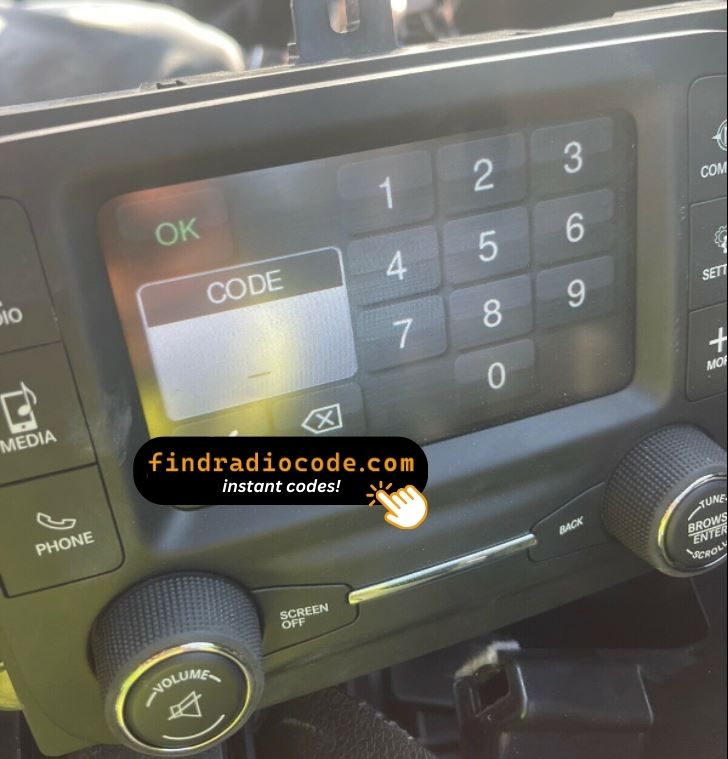
When locked, the 5-inch screen shows a four-digit numeric keypad filling the lower half of the display. Tap the four digits in order; the unit auto-verifies on the fourth digit and unlocks immediately on success. There is no separate OK or Enter button.
Why your radio is locked
Loss of constant 12V to the radio for more than about a minute - dead battery, battery replacement, jump-start that failed, or removal of the unit from the dash during dash or body-shop work.
If you entered the wrong code
After three wrong codes the screen shows "INCORRECT CODE - WAIT" with a 30-minute countdown. Keep the ignition in RUN or ACC so the timer counts down - cutting power resets it to 30 minutes. The radio cannot be permanently bricked; the correct code always works once the timer expires.